Gradient background fading from deep blue at the top to bright blue at the bottom.
4.1 on App Store
4.6 on Google Play

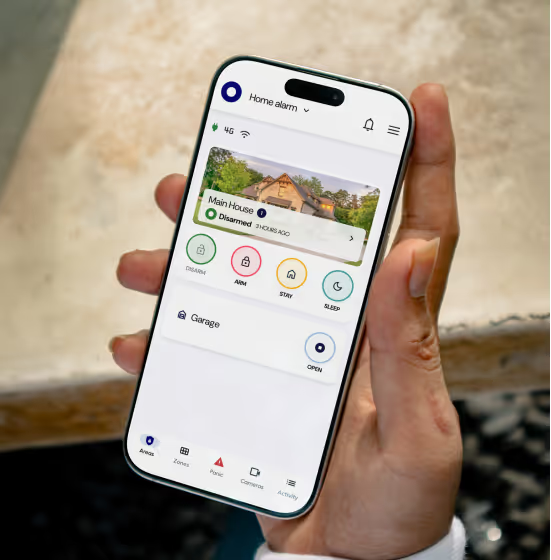
Control your alarm system from your phone

One easy-to-use app for everything from alarms to gates and your garage.
Learn More
Available on
Trusted by over 400 000 users and security professionals.

"I like the way it has enabled my old alarm to be accessible and remotely controlled via my phone."

Nyiko N.

"The App makes it easy for us to monitor the security of our home, from close or afar."

Annabelle B.

"This is quite a nifty app. The ability to control the alarm system from one platform and no bulky remotes to carry."

Mary-Ann L.

Be one step ahead with security in the palm of your hand
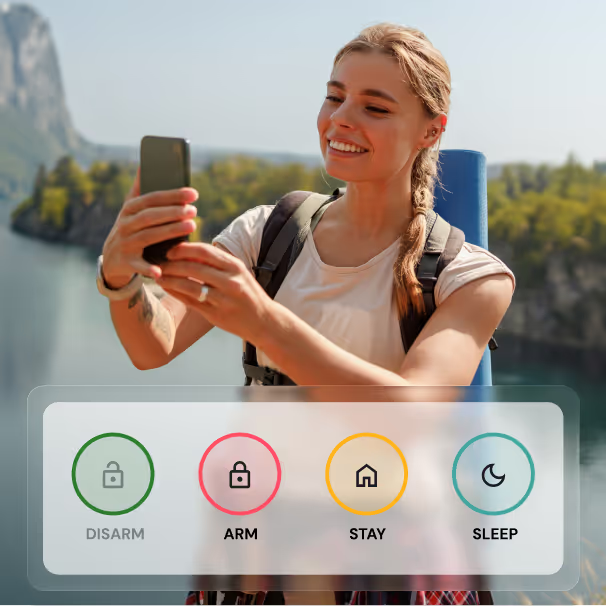
Stay connected to your home

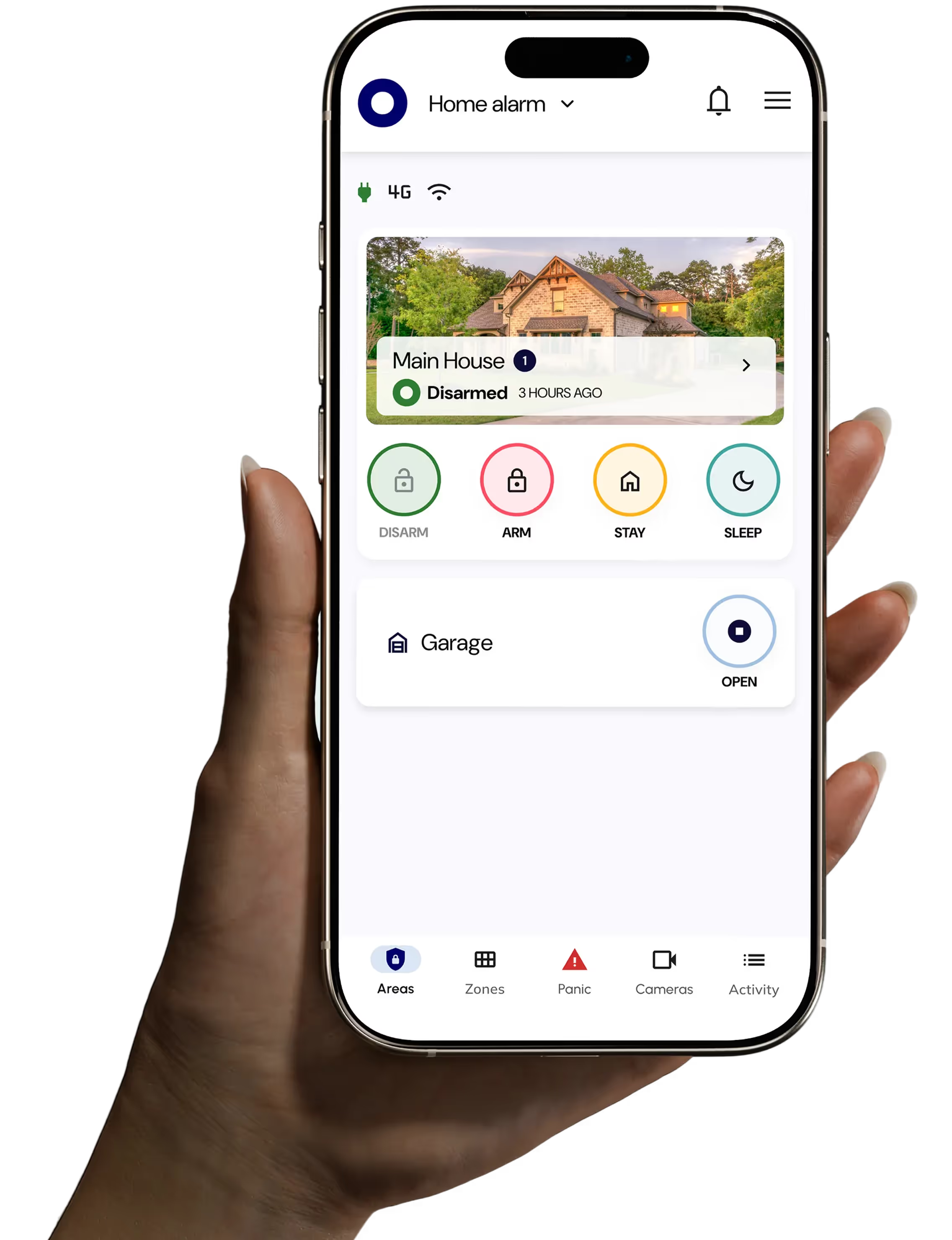
Arm, disarm, and bypass zones, and manage your gates, lights, and other connected devices right from the app.
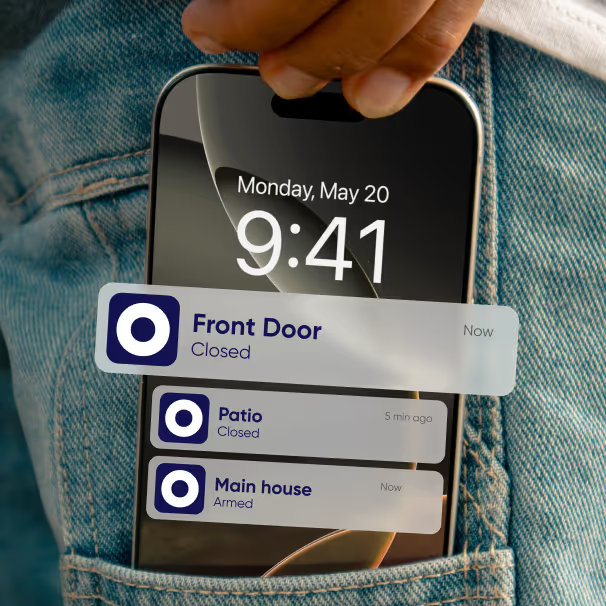
Real-time alerts for faster action


Get notified right away about alarms, power issues, or connection problems, so you can control what’s happening at home.
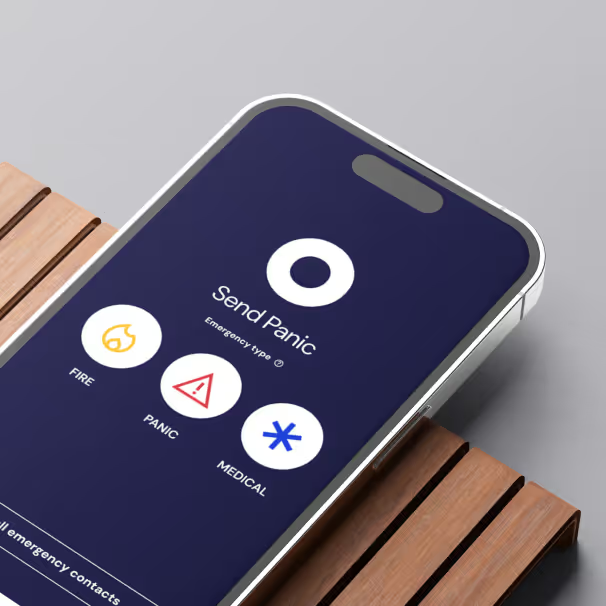
In-app panic for emergencies

Quickly alert your security service provider and loved ones when an emergency occurs.

Manage multiple properties from one app

Whether it’s your home, your parents’ place, or a rental, manage them all from a single app. Easily see what’s happening at each property.
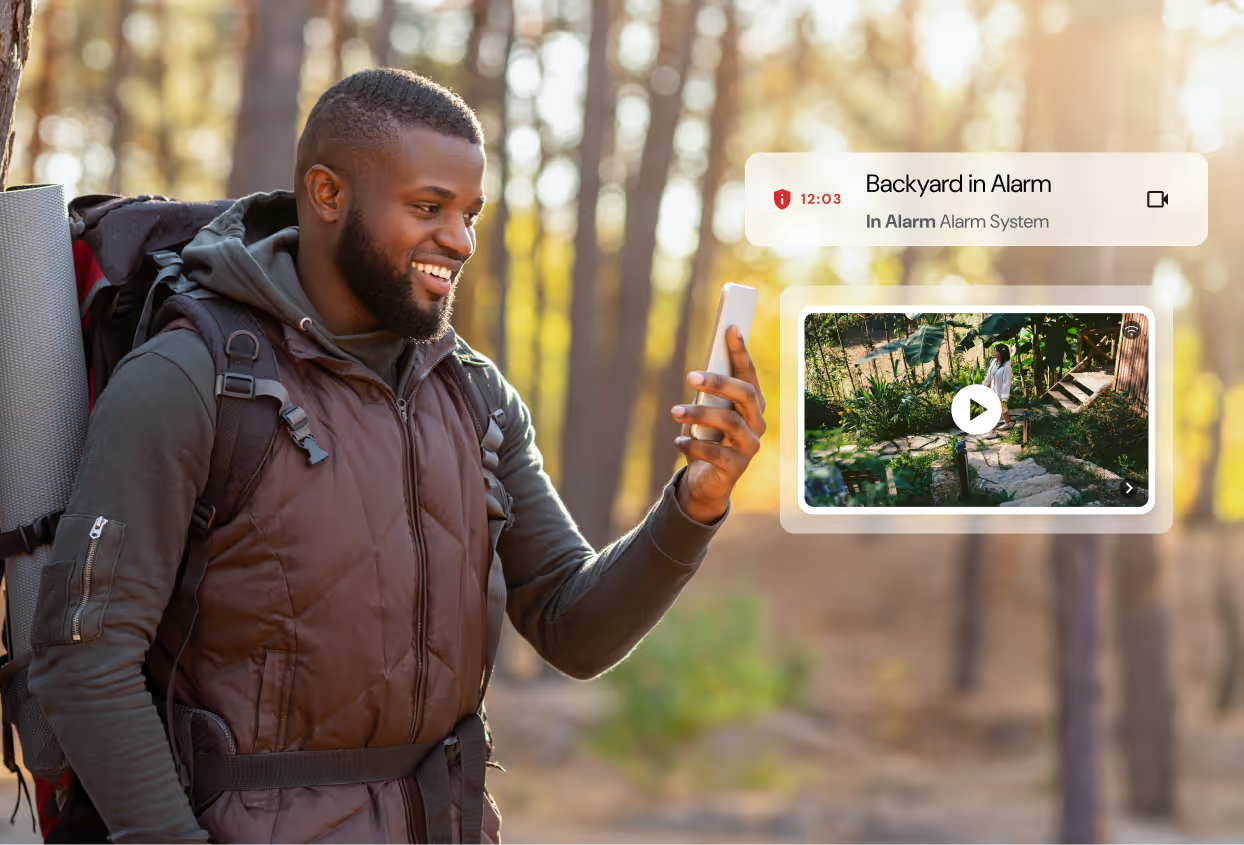
See whats happening at home

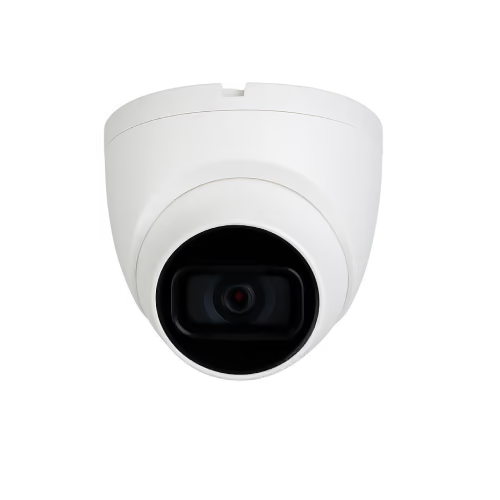
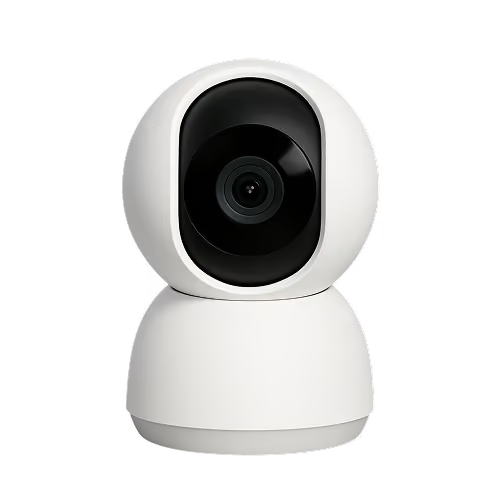
Visually verify alarms by linking existing camera setups to your Olarm MAX.

Your current alarm system, just made smarter

Keep your existing system. No costly upgrades required. Fully compatible and reliably monitored by you or your security company.
Get Olarm
Works with

All-in-one control

Manage your property’s security from one intuitive app.

Always updated

Stay current and secure with regular over-the-air updates.

Reliable assistance

Every product comes with the backing of our dedicated support team.

Our Home Assistant integration allows you to enable automations and get greater control of your home with existing smart devices.

Get Olarm
Explore Olarm MAX

Everything you need for a smarter, safer home

Easily grant access to family and guests


Give family, guests, or trusted helpers the access they need, whether it’s permanent or temporary, quickly and easily.
See live zone activity 

Monitor movement in your home. Know when someone is moving around and receive alerts if they enter a restricted space.
Get insights on your home’s activity


View a detailed timeline of alarm events to gain clearer insights into movements and activity at your property.
Stay secure with simple arm reminders

Set arm reminders that notify users on your device when it’s time to arm, helping keep your property protected.

How Olarm works
Paradox MG SP panel
1

Existing alarm

Your 'not so smart' security system

Works With
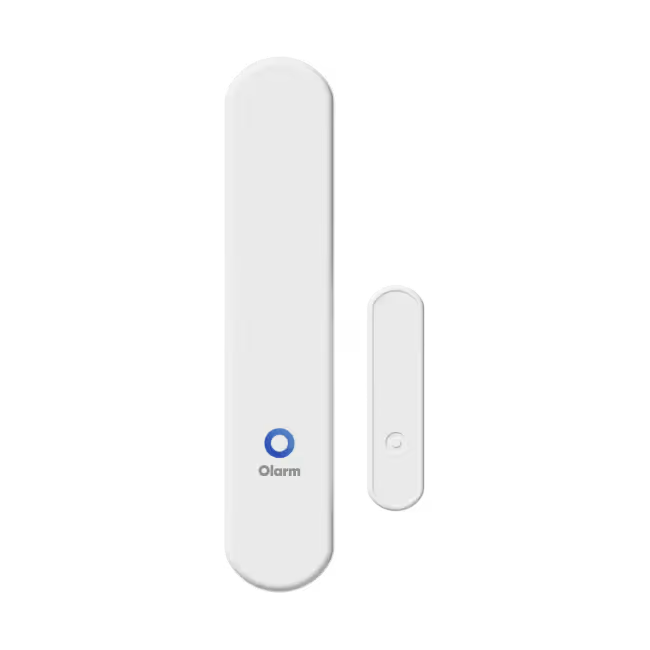
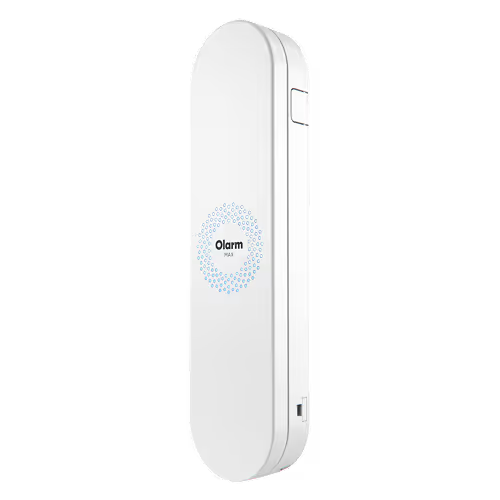
White, rectangular Olarm MAX security sensor with rounded edges and logo on the front.
2

Olarm MAX

Our 'very smart' communicator

Learn More
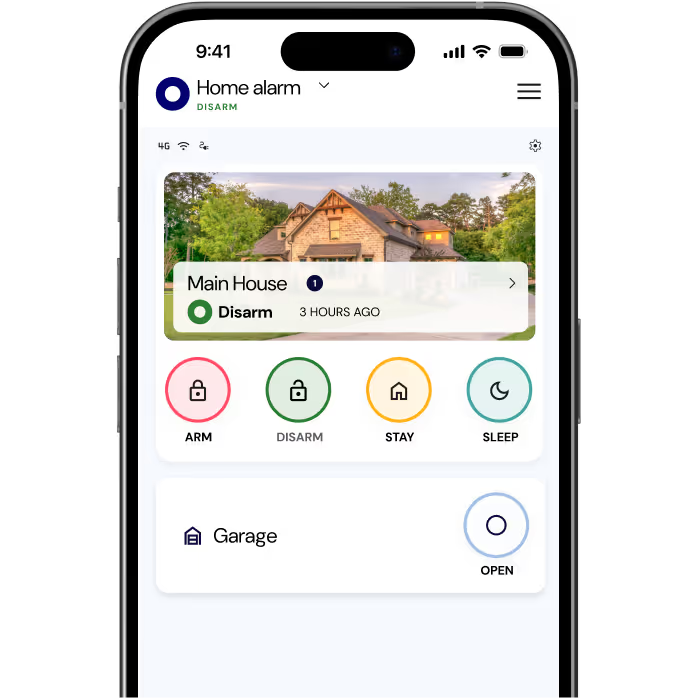
Smartphone screen displaying a home alarm app with status 'Disarm' for Main House and Garage open, featuring Arm, Disarm, Stay, and Sleep control buttons.
3

Full remote control

With our intuitive app.

Learn More

Works with most security systems

Olarm MAX works with most alarm systems, giving you simple and smart control.

Works with
Get Olarm
Paradox MG SP panel
Paradox
DSC panel
DSC
Texecom panel
Texecom
IDS X Series panel
IDS
IDS X series panel
IDS
White security keypad with a green display screen and numeric buttons arranged in a 4x4 grid.
Honeywell
Orisec panel
Orisec
Play
Play
Nemtek Druid electric fence energizer with digital display and status indicators for fence condition, mode, voltage, alarms, gate, and power.
Nemtek
Play
Play
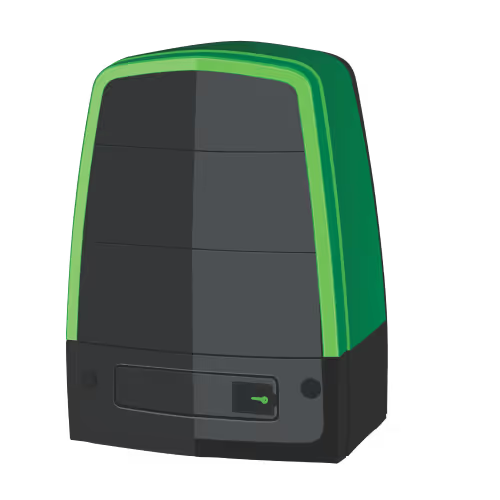
Green and black outdoor gate motor with a keyhole on the front panel.
Centurion
Black and white garage door opener with attached power cord and plug.
Digidoor
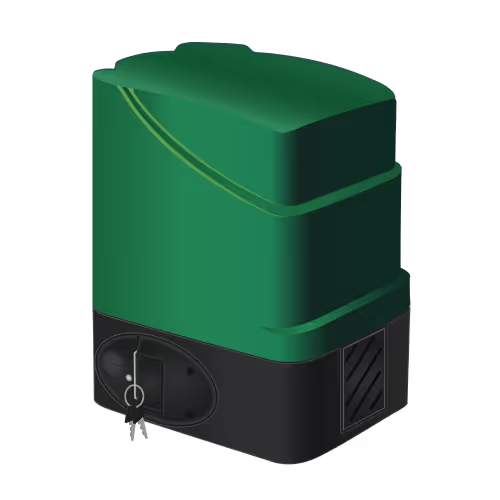
Green and black automatic gate opener motor with control dial and keys.
DTS
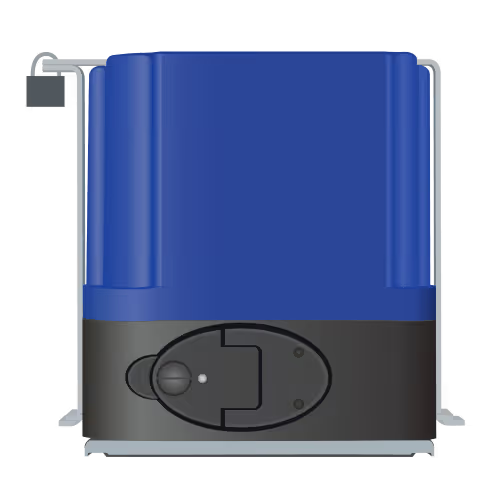
Front view of a blue and black sliding gate motor with a control unit attached by a wire.
ET
Yellow and black industrial gate motor with a red control switch mounted on a metal base.
Gemini
Play
Play
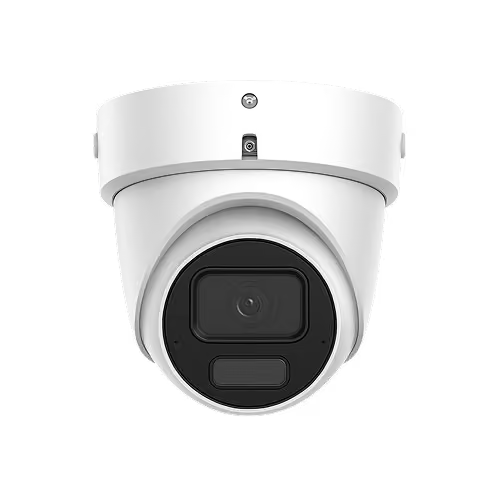
White dome security camera with a visible lens and sensor.
Hikvision
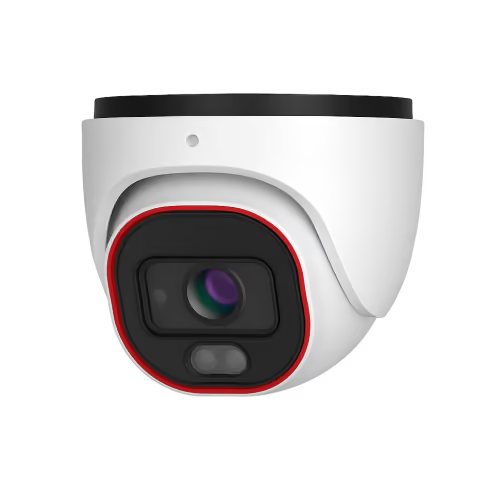
White dome-shaped security camera with a black lens and red outline detail.
Provision
White dome security camera with black lens area.
Dahua
White dome-shaped security camera with a central black lens on a plain background.
Most RTSP cameras
Play
Play

Accidentally set the alarm off?

Silence accidental alarms from the app — no awkward call-outs.

But if something’s wrong and you can’t say it, the same action doubles as a silent panic, quietly alerting your security company that you need help.

Step 1: Open Settings (top right menu button in the Olarm APP) and tap on ‘Set up Cancel Responder’.

Step 2: Select 1 emoji as your security answer, and that’s it!

Cancel responder steps

Trusted by industry leaders in monitoring & response.

Logo featuring a stylized aggressive bull with red horns above bold text reading 'BULL SECURITY'.

“Since we first launched your product, it has been very successful with our clients. We are very happy with the service we receive from the whole team.”

- Bull Security
BLOEMSEC company logo with the tagline 'Safe in our hands'.
Alpha Security logo with stylized wings and shield featuring a star.
BYERS Security Solutions logo with a stylized B and bold uppercase text.
Shield logo with the text Community Active Protection CAP and 'At Home' underneath.
CDF logo
Marshall Security logo with a five-pointed star in the center encircled by the company name.
MID ALARMS logo with the tagline 'Keeps an eye on your interests'.
SJC Security Services logo with shield emblem containing the letters SJC and a star symbol.
MSEC Security logo with a stylized 'S' in an oval shape.
Star Alarms logo with a five-pointed star inside a circle to the left of the bold word STAR and the word ALARMS in italic.
BLOEMSEC company logo with the tagline 'Safe in our hands'.
Alpha Security logo with stylized wings and shield featuring a star.
BYERS Security Solutions logo with a stylized B and bold uppercase text.
Shield logo with the text Community Active Protection CAP and 'At Home' underneath.
CDF logo
Marshall Security logo with a five-pointed star in the center encircled by the company name.
MID ALARMS logo with the tagline 'Keeps an eye on your interests'.
SJC Security Services logo with shield emblem containing the letters SJC and a star symbol.
MSEC Security logo with a stylized 'S' in an oval shape.
Star Alarms logo with a five-pointed star inside a circle to the left of the bold word STAR and the word ALARMS in italic.
Dark blue gradient background with a subtle glowing circular light effect.

Make the switch to
smart security

Get Olarm
Buy on Takealot
Screenshots of Olarm APP